


Healthcare panic buttons and nurse-call duress. Care that can't wait for a screen.
When seconds matter, a wearable button beats an app. We put a simple, screenless help button in the hand of every nurse, carer and patient. One push, and the alert goes straight into the nurse-call, PERS and communication systems you already run.
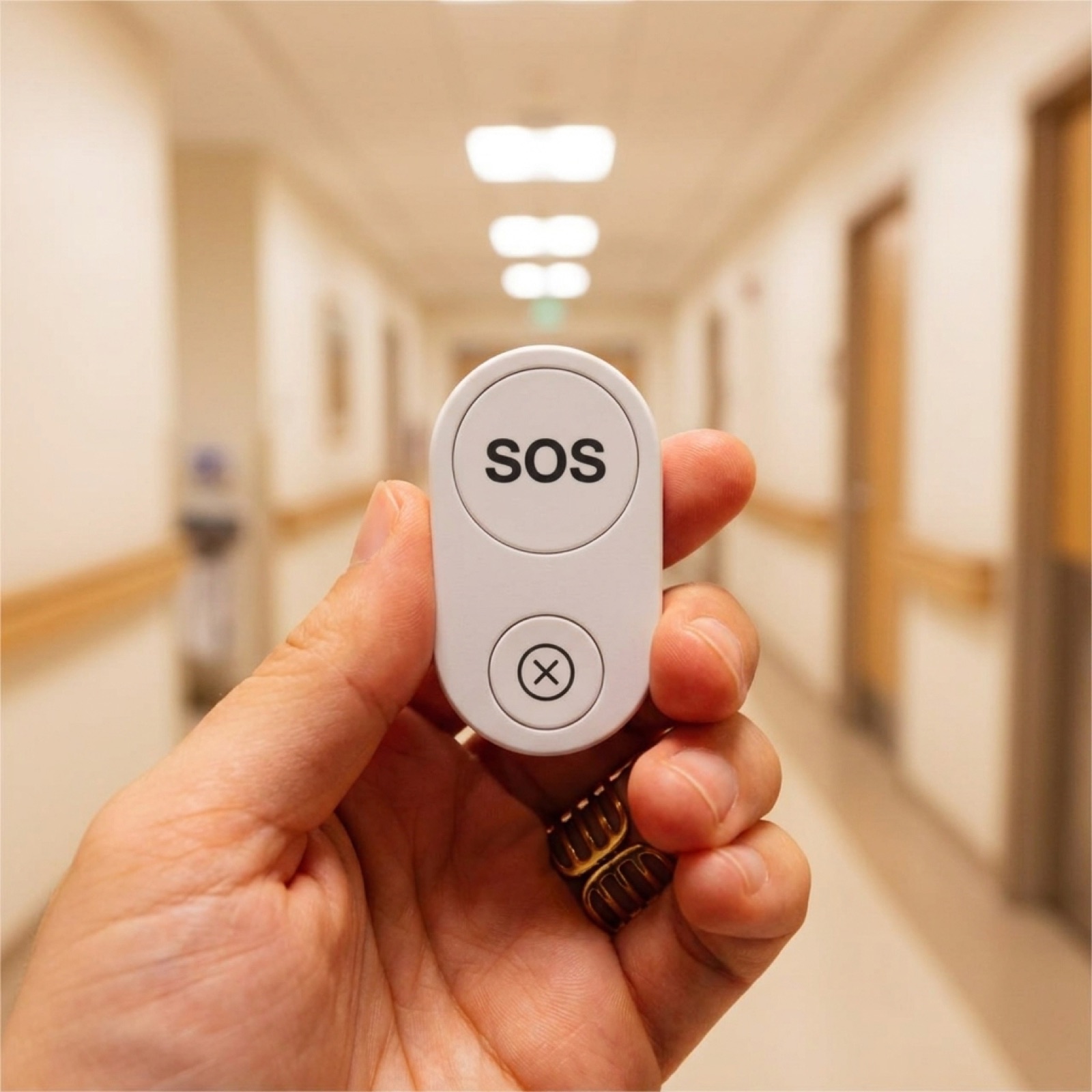



Staff duress: a panic button for nurses and carers
Violence against healthcare staff keeps climbing, and lone clinicians are the most exposed. A wearable button gives every nurse and carer a quiet way to call for help. No phone to unlock, no screen to hunt for.
A safety alert that reaches every shift.
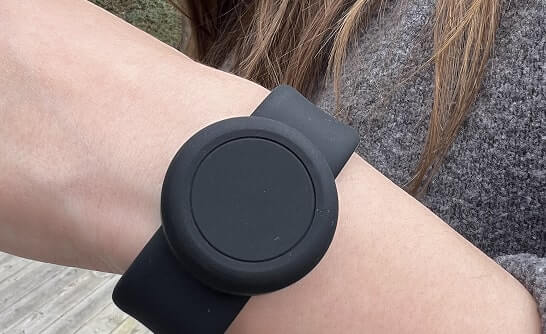
Clip a Flic to a lanyard, wear it on a wristband, or pin it to a uniform. One push sends a silent alert to a colleague, the security desk, or your existing alarm platform, and nobody nearby has to see it happen.
- verified One push for a silent alert, or hold and double-push for different severity levels
- verified Made for lone clinicians, home visits, A&E, mental-health and elderly-care wards
- verified Small enough to wear, with nothing for an aggressor to spot
- verified White-label app for alarm-receiving-centre operators
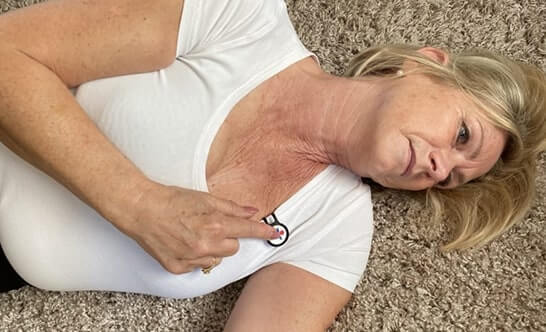
Patient call and alerts, without a screen
Give patients and residents a dependable way to call for help, one that doesn't rely on a screen, an app, or good eyesight.
A push the patient can reach.
Set one button to mean "call a nurse", "I need help", or anything you choose. The push arrives as a clear alert in your call system or staff app, and you can set it up differently for each ward, room or resident.
- verified A big, tactile button that elderly and low-vision users can find by feel
- verified Set up per ward, room or resident
- verified Three-year battery on a replaceable CR2032, so there is no nightly charging
- verified Plugs into your existing call-bell platform through the API
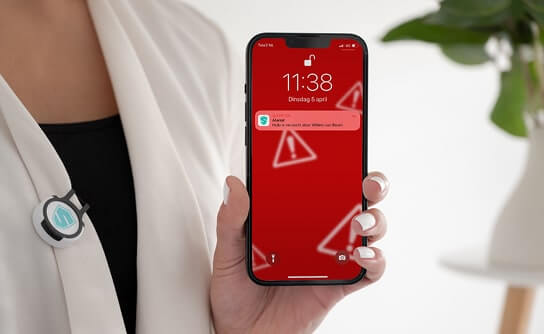
Integrates with your existing nurse-call, PERS and communication systems
Keep what you already have. You decide how to roll it out, and a button push can trigger your nurse-call platform, PERS provider, BMS, or staff messaging through an open API and MQTT.
Two paths in: the app, or the screenless hub.
Want to pilot quickly? Run it through the Flic app on a device you already own. Need a phone-free setup? The Flic Hub gateway handles fixed sites, large numbers of buttons, and places where staff don't carry phones. Either way, it connects to your existing nurse-call, PERS and communication stacks, on-premise or in the cloud.
- verified The Flic app on an existing device: no extra hardware, quickest to pilot
- verified The Flic Hub gateway: screenless and phone-free, ideal for fixed sites and lots of buttons
- verified Open API and MQTT for connecting to existing systems
- verified White-label hardware and companion app
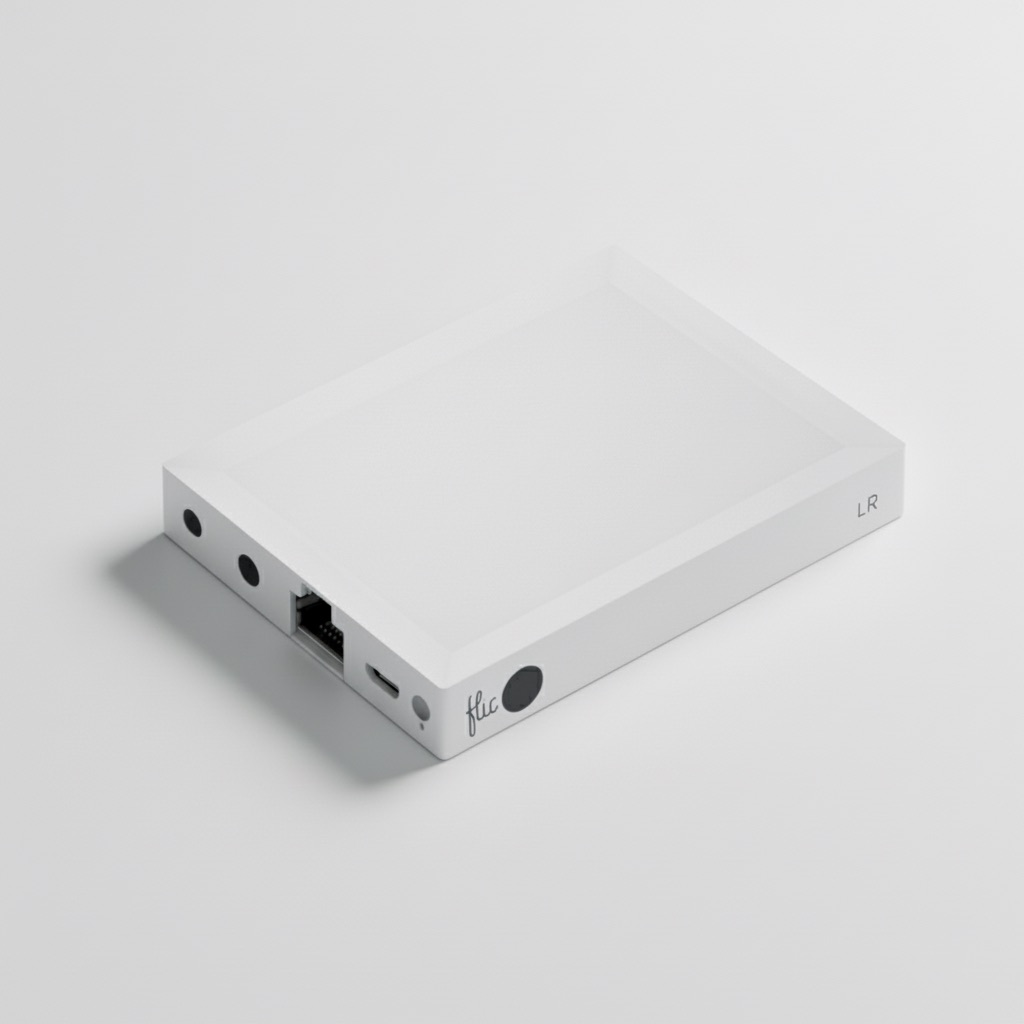
A flexible alternative to traditional PERS
Where a classic personal emergency response pendant ties you to one provider and one purpose, Flic is a simple wireless button you can point at your own systems. Use it for patient call, staff duress and a manual push for help, and route it wherever you already work.
Fall response and elderly care
In care homes and assisted living, you can run resident call buttons and staff duress on the same platform. That is one system covering "I've fallen", "I need help", and "staff under threat".
A help button that works without the phone.
A smartphone alarm makes you unlock the phone, find the app, then trigger it. Flic skips all of that: one push fires the alert even when the phone is locked. And because every button is managed from Device Manager, you can set them up, keep an eye on them, and update them from one place.
- verified One push, with no app to open
- verified Wear it on a lanyard, clip, or wristband
- verified Works even when the phone is locked
- verified Set up and monitor every button from Device Manager
Push, route, act.
-
1
Push
Someone pushes a Flic, worn on a lanyard or wristband, or mounted on the wall.
-
2
Route
The push travels over the open API or MQTT, either through the Flic app on an existing device or, for a phone-free setup, the Flic Hub gateway.
-
3
Act
Your nurse-call, PERS, security or messaging system responds. Either way, it all stays managed from one place as you scale.
Why screenless wins in healthcare.
A phone-based alarm
- Unlock, find the app, then tap, all under stress
- Battery anxiety and app updates that can break
- A screen to see, hold and keep clean
- Assumes a confident, sighted, technical user
A screenless Flic push
- One push, faster than unlock-find-tap
- Dedicated hardware, multi-year battery, nothing to break
- Wipeable, wearable, nothing on display
- Usable by elderly, low-vision and non-technical users
Healthcare panic button FAQ
Can the panic button integrate with our existing nurse-call system?
Do staff need to carry a phone?
Is the button wearable and discreet?
How fast is the alert?
Can we brand it as our own?
Customer Stories

Vox Me
An elderly-care app that uses Flic for screen-free help. The team built it on the Flic SDK, and CEO Bruno Musa called it a "straightforward integration".
Read the Vox Me story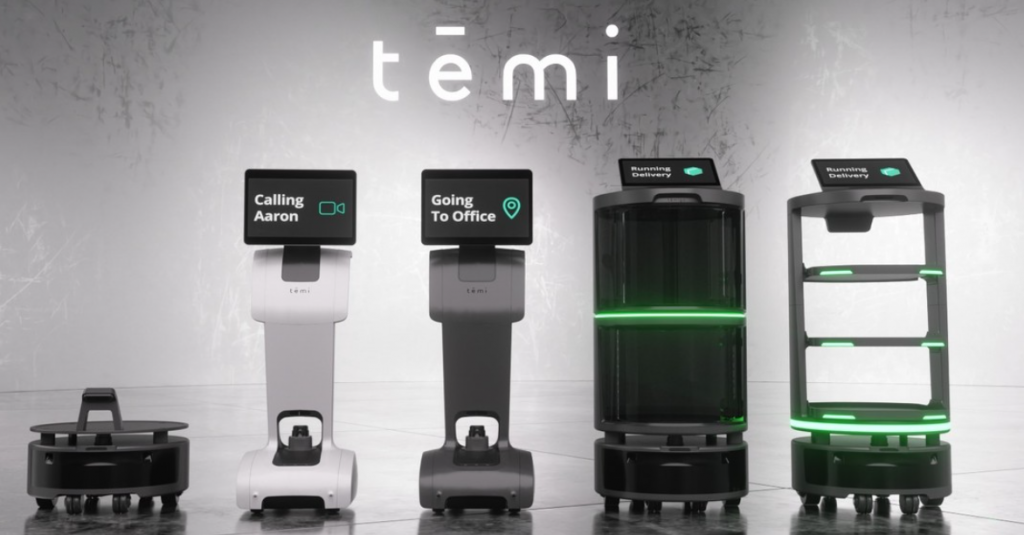
Temi (via Robotec)
Service robots summoned by a Flic push in care homes and hospitals. Used by Robotec across Brazil and Latin America.
Read the Temi storyExplore healthcare by setting
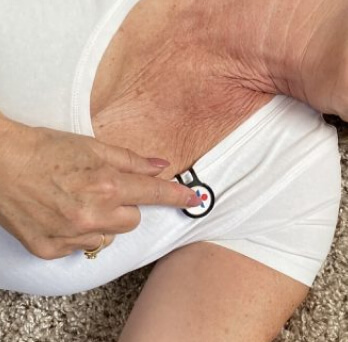
Care homes & senior living
Resident call and discreet staff panic buttons on one platform, plugged into your existing nurse-call or PERS.
Care-home call points
Hospitals & wards
Silent nurse panic buttons and screenless patient call, feeding the nurse-call and communication systems you already run.
Hospital panic & patient call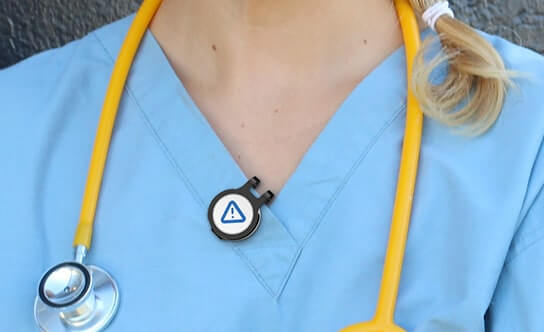
Home care & community
Discreet lone-worker panic buttons for care staff who visit clients alone.
Home-care lone-worker safety
Buyer's guide: CQC & duty of care
New to call points? A plain-English guide to Regulation 12, what CQC accepts, and a checklist before you buy.
Read the guide- GDPR
- CE marked (Radio Equipment Directive)
- FCC
- RoHS
- WEEE
Deploying Flic in healthcare?
Talk to a specialist who has shipped to nurse-call platforms, PERS providers, and care homes, or ask us for a healthcare eval kit.
- Works with the nurse-call you already run
- Live in days, no rewiring
- Workplace safety device, not a medical device