


Flic for Mac. Buttons that talk to your operating system.
Drive Keynote, run AppleScripts, fire terminal commands, send HTTP webhooks, push MQTT events, simulate keyboard shortcuts. The Mac app turns any Flic Smart Button — or Flic Duo — into a programmable input device for the macOS workflow.
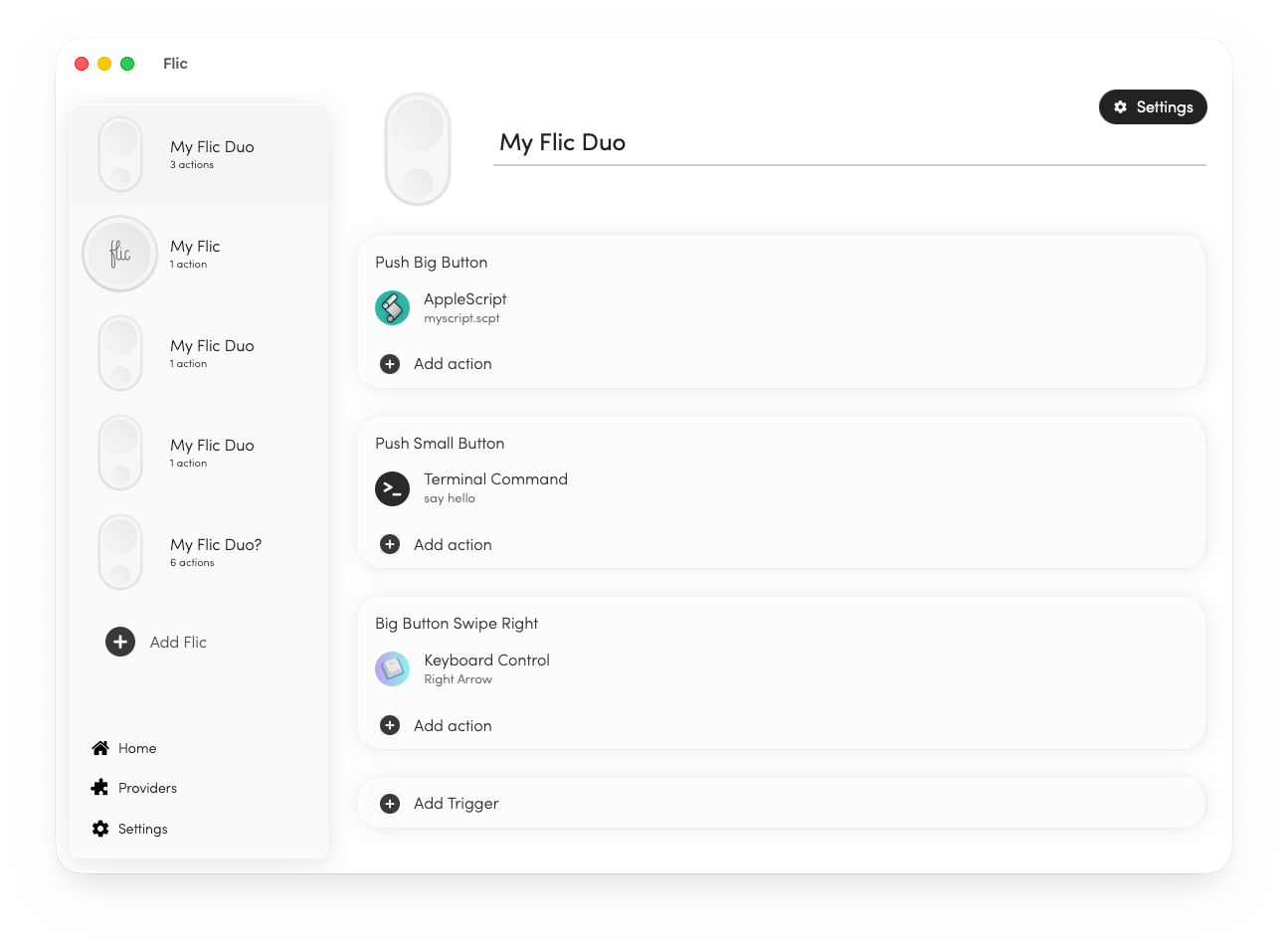
What it does
A push that drives the slide.
Bind a Flic to next-slide and previous-slide. Walk away from the laptop without losing control of the deck. Works for Keynote out of the box; HTTP and AppleScript actions extend it to PowerPoint, Pitch, Loom, and anything else.
- verified Push to advance, double-push to reverse
- verified Hold for blackout / pause
- verified AppleScript hooks for any presentation app
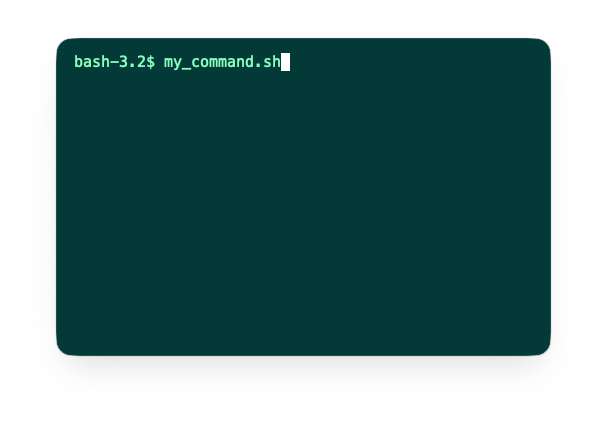
A push that runs your script.
Bind a Flic to a shell command, an AppleScript, or both. Toggle Do Not Disturb, deploy a build, mount a backup volume, switch audio devices — anything you can write in bash or AppleScript becomes a one-push action.
- verified Run any terminal command or shell script
- verified Trigger AppleScript automations
- verified Pass arguments per trigger (push / double-push / hold)
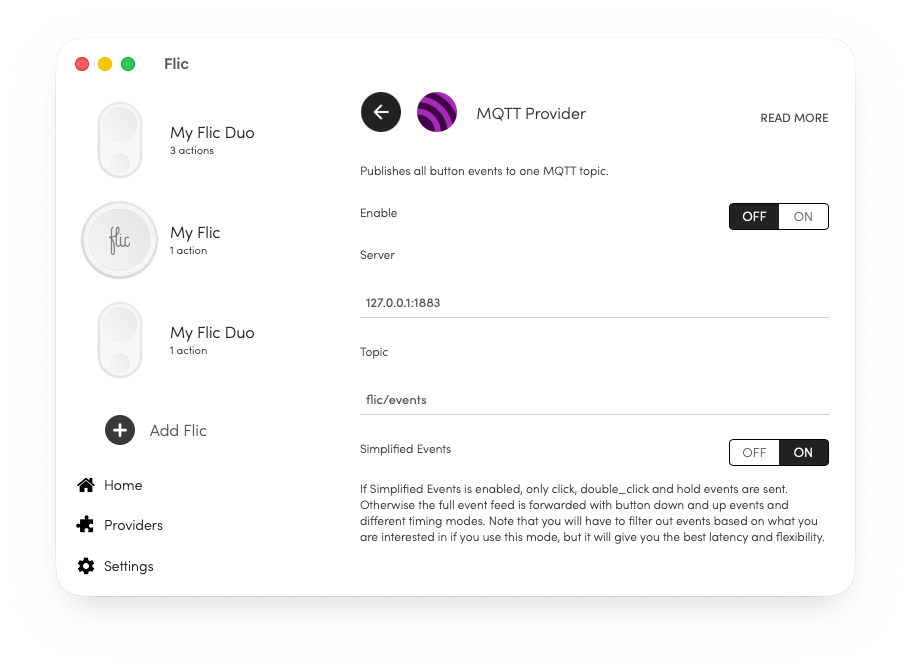
A push that fires a webhook.
Connect Flic for Mac to an MQTT broker for real-time event streaming, or send arbitrary HTTP requests to webhooks, REST endpoints, and internal services. Useful for studio automation, OBS scenes, Slack status, Home Assistant, and anything else that listens on a URL.
- verified MQTT broker integration with bidirectional events
- verified HTTP requests with custom method, headers, and body
- verified Per-trigger payloads — different action per push / double-push / hold
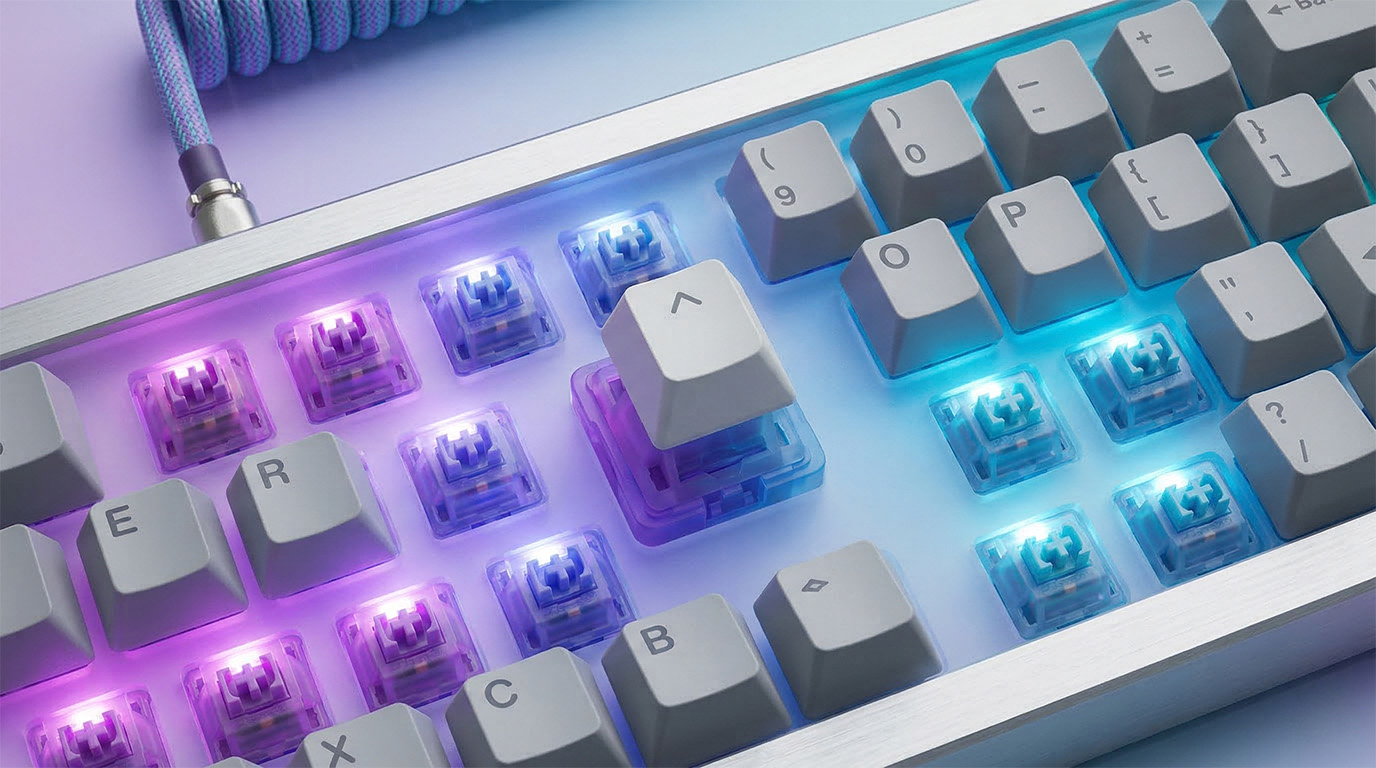
A push that simulates a keystroke.
Map a Flic to any keyboard shortcut — single key, modifier combinations, or sequences. The simplest way to add hardware controls to apps that already understand keyboard input: Logic Pro, GarageBand, OBS, Final Cut, Photoshop, anything with a keyboard map.
- verified Single keys, modifier combinations, or sequences
- verified Works with any app that accepts keyboard input
- verified Common targets: Logic Pro, OBS, Final Cut, Photoshop
- GDPR
- CE Marked
- FCC
- RoHS
- WEEE
Want Flic for Mac in your studio or office?
Volume hardware, custom-printed buttons, and integration support. Talk to a specialist.
Talk to Sales Go to webshop →