


Flic MQTT. Buttons in your IoT mesh.
Stream Flic events to any MQTT broker. Bidirectional communication, scalable to thousands of buttons, and built on the Flic Hub SDK so you can customise the publish/subscribe behaviour in JavaScript. Used in automotive, manufacturing, logistics, and smart-home deployments.
How it works
Push the button, publish the topic. Subscribe the broker, drive the LED.
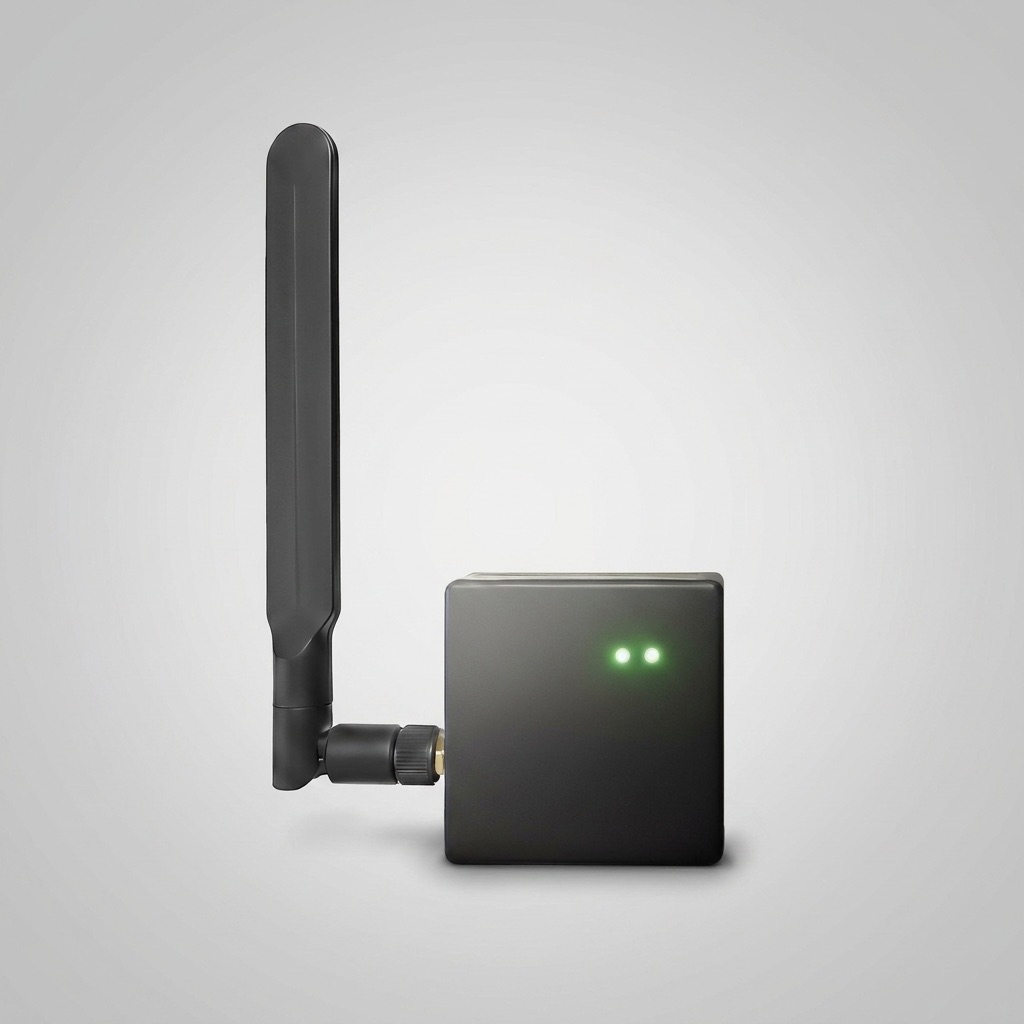
Flic MQTT runs as a Hub Studio script that connects the Flic Hub to your existing MQTT broker. Button events publish to topics you choose; subscribed topics drive on-hub behaviours — making the hub a first-class citizen in your existing IoT mesh.
- verified Push / double-push / hold publish to configurable topics
- verified Subscribe to topics that drive hub-side actions
- verified Latency under 50ms in typical broker deployments
- verified Custom JavaScript glue via the Hub SDK

Where MQTT belongs.
Flic MQTT fits anywhere a physical push needs to land in a structured event stream — for analytics, automation, or downstream control. Industrial dashboards, alarm receiving centres, smart-home brokers, fleet management systems, and manufacturing-line monitoring are typical.
- verified Automotive: dashboard inputs, fleet status updates
- verified Manufacturing: line-side faults, replenishment, panic
- verified Logistics: pick-and-pack confirmations, dispatch alerts
- verified Smart home: presence, scene activation, voice-assistant fallback

- GDPR
- CE Marked
- FCC
- RoHS
- WEEE
Wiring Flic into your MQTT mesh?
A specialist who has shipped MQTT integrations into industrial dashboards and ARC platforms will be in touch.
Talk to Sales Go to webshop →